
Version history
With version history, we maintain a record of the 20 latest changes made to a published article. Each time you or a team member saves an article, we safely archive the current version.
Drafts are not included in the version history.
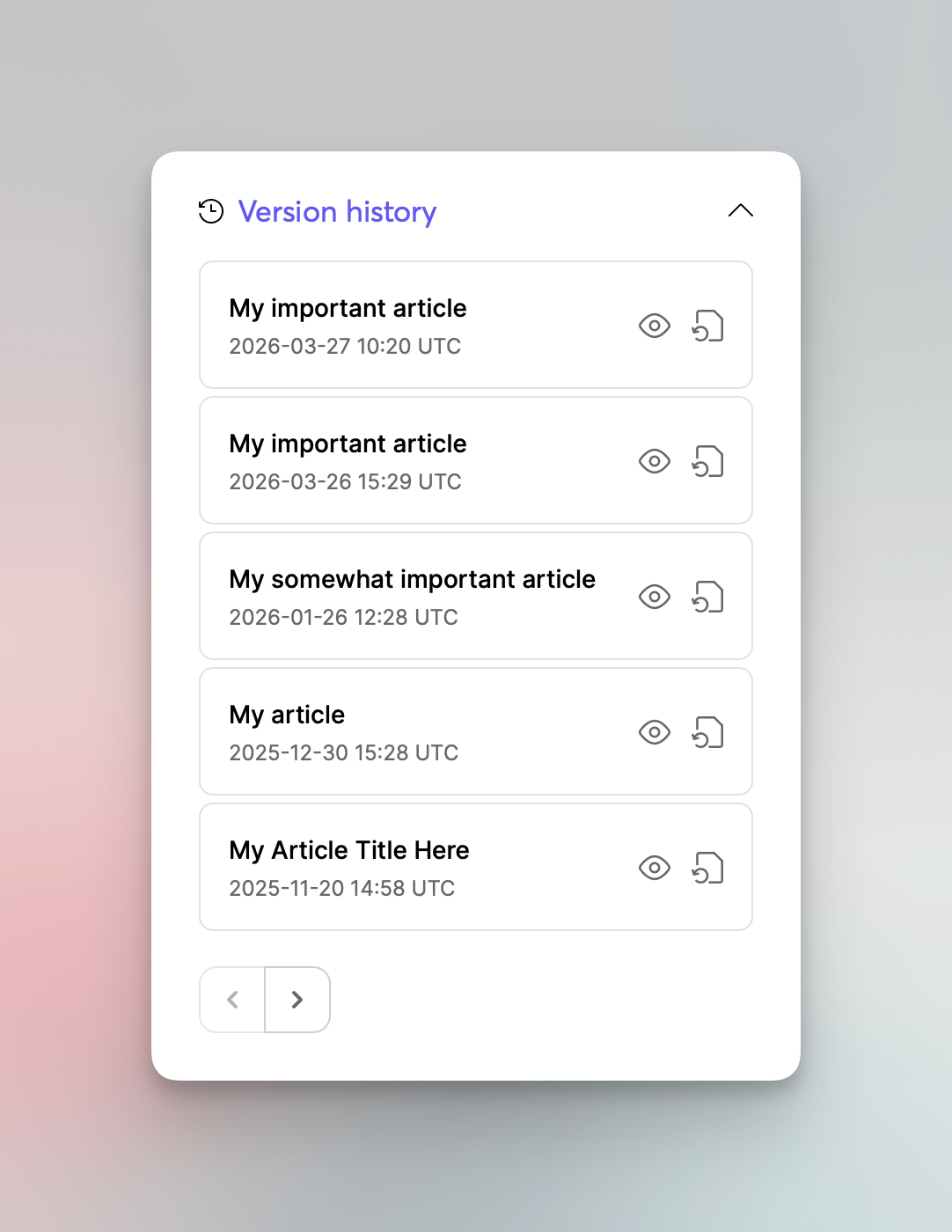
When you edit an article, you’ll see the “Version history” in the side panel. From there, you can review previous versions of the article and restore any version you choose. Restoring a version will replace the current live article with the selected version.
The following settings are not part of the version history and won’t be restored:
Related articles
Attachments
OG image
Version history is different from our auto-save feature. Each version is stored as a separate database record that can be restored at any time.
Restoring deleted articles
One aspect of the version history is the option to recover articles that have been deleted recently. Although the published article itself is completely removed from our system, any leftover history will be preserved for 30 days following deletion. This allows you to bring back an article if it was deleted by mistake.
You can find the Recently deleted button in the “Published” section.