
Deleting an article
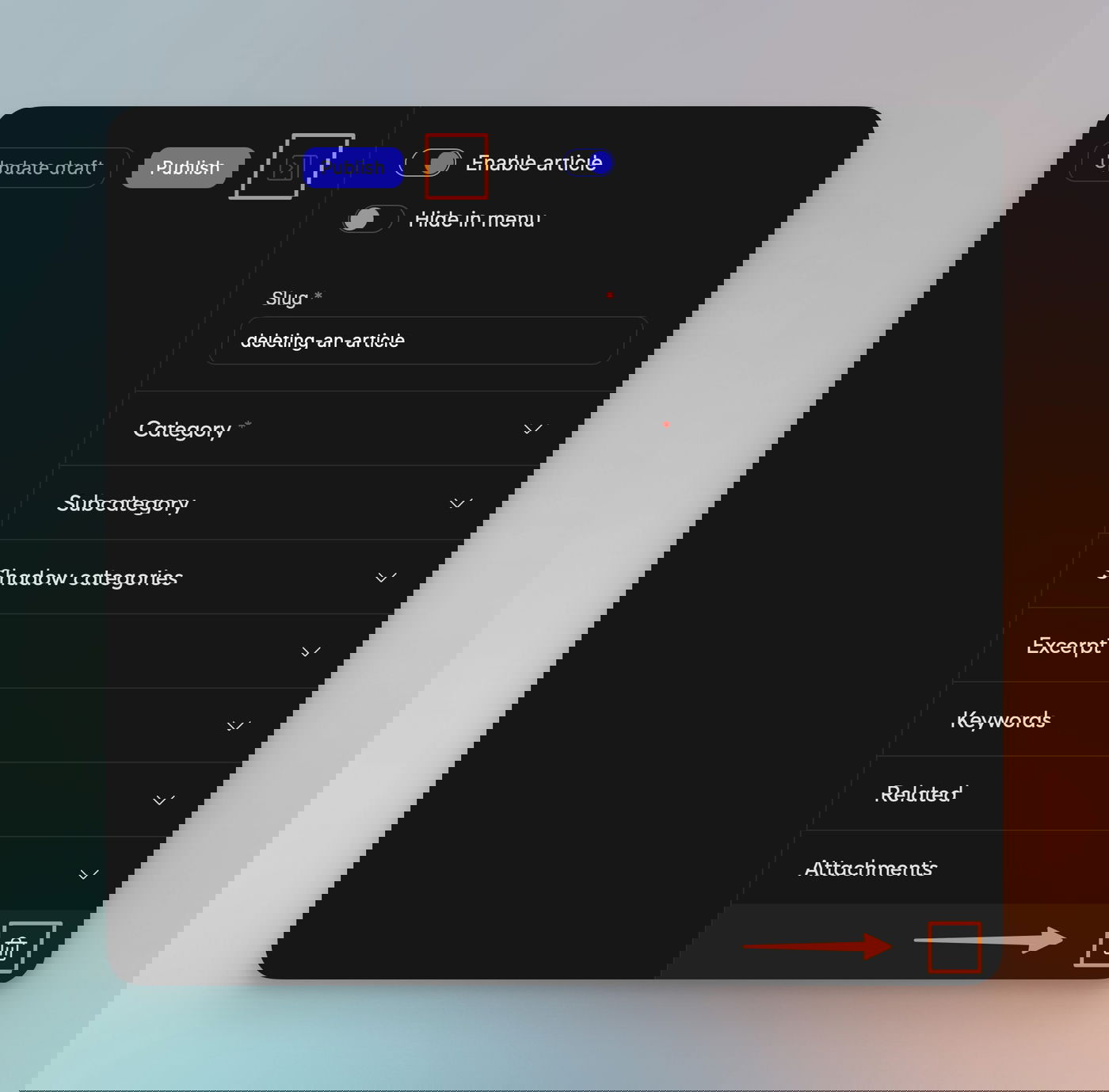
To delete a published article or a draft, edit the article. Within the settings panel, at the very bottom, you can find a delete icon. After confirmation, the article or draft will be deleted.
Please note that we cannot restore deleted articles. Once they are deleted, they are gone. We don’t keep a copy of a deleted article; there are no soft deletes.
I don’t see the option to delete
There are 2 reasons you may not see the delete icon:
Your browser window is too small, so you may need to scroll down within the settings panel.
You don’t have the necessary rights to delete an article. If you are part of a team and you have simple “Editor” rights (see here), you are not allowed to delete articles in that workspace.